How To Backup Zoho Emails
When you will install Zoho Backup in Windows OS machine then follow these easy steps and simply backup of Zoho emails
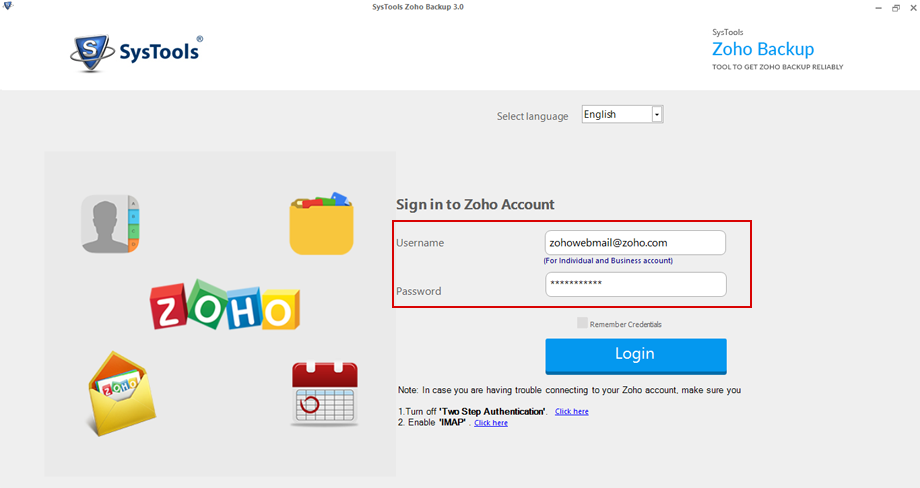
 Launch the Zoho backup software after installation, Now, fill up the credentials of Zoho Mail account (username & password) and click on "Login" button
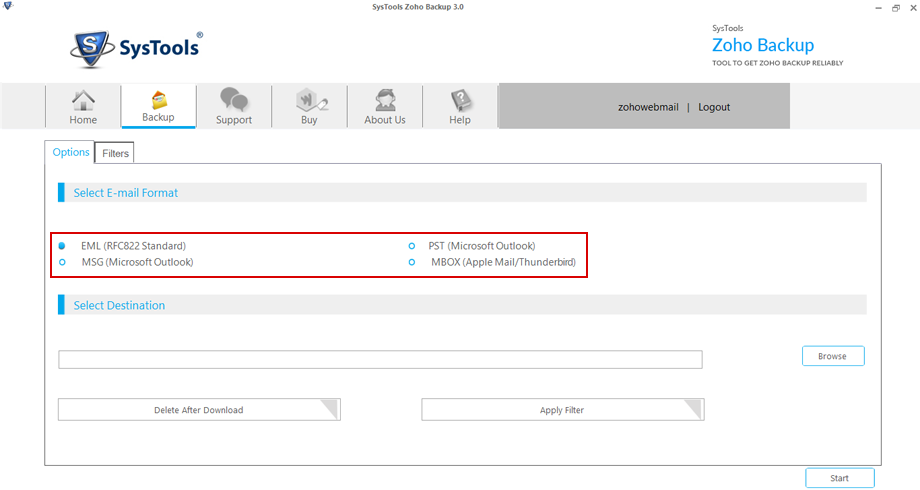
 After successfully logging in, Now, Select one preferred email file format: EML, PST, MBOX and MSG
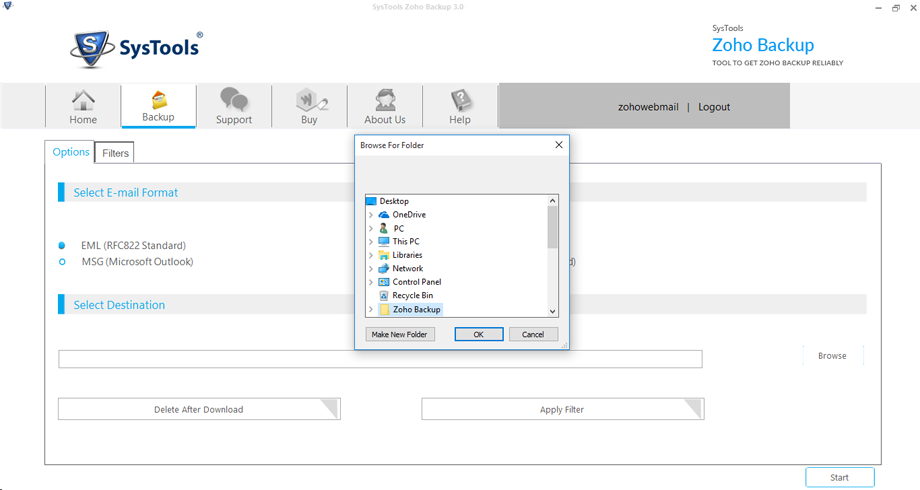
 Now Click on "Browse" button & select preferred destination where you to export email items.
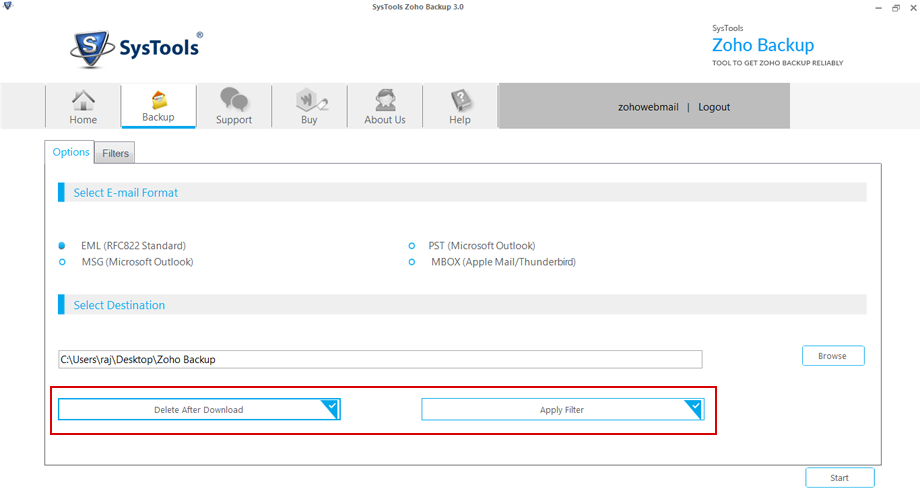
 Select extra options according user need
- Delete After Download : Option to delete entire mails from Zoho account to empty Server space
- Apply Filter : Option to download particular email items from Zoho account
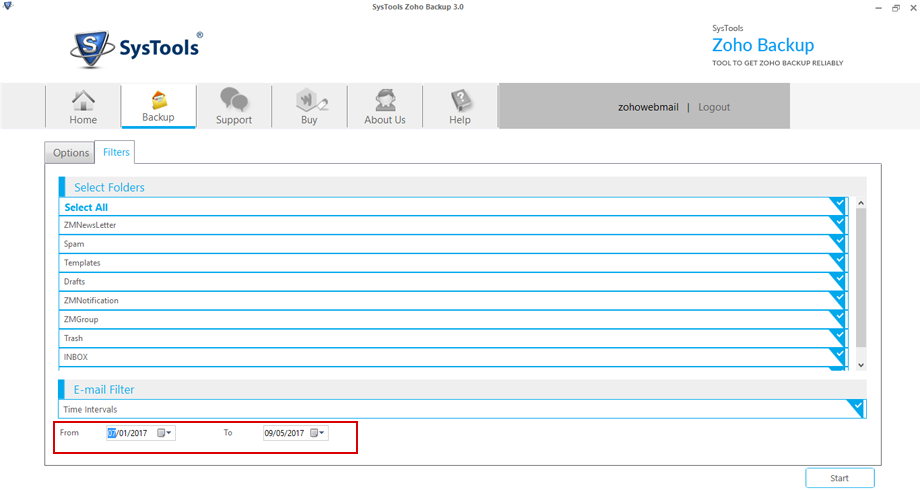
 Filters Options:
- Select Folders: Choose the preferred folders (like Inbox, Sent, Draft, etc) from Zoho Account
- Email Filters: Export emails from selective date range: From & To.
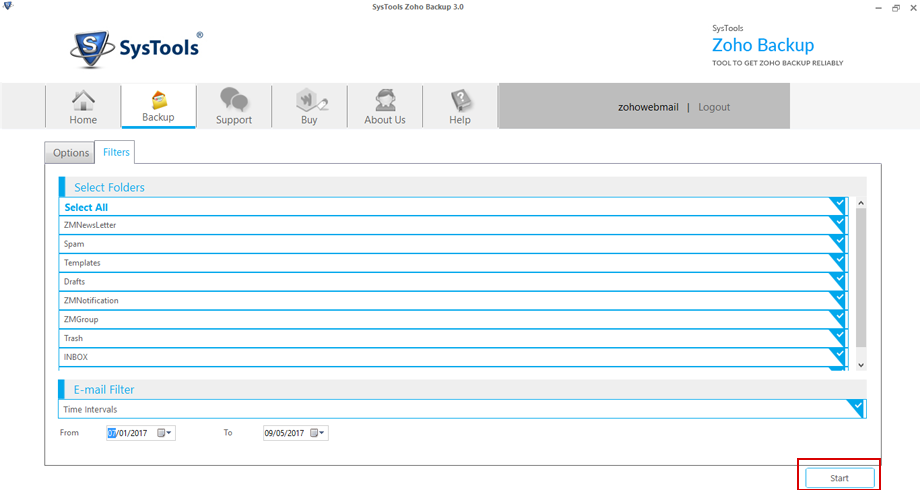
 Click on Start button to begin the email download process
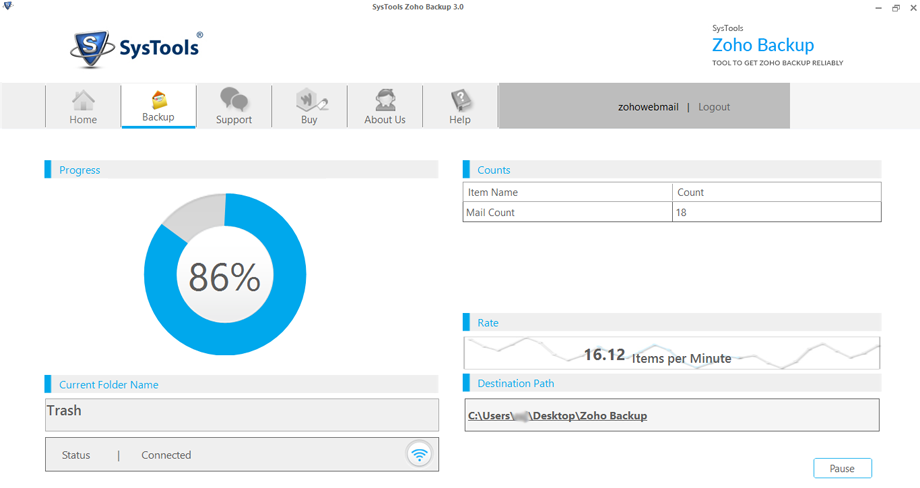
 Software will be showed details like Progress, Counts, Rate, Current Folder Name, & Destination Path and Connection Status while download email process.
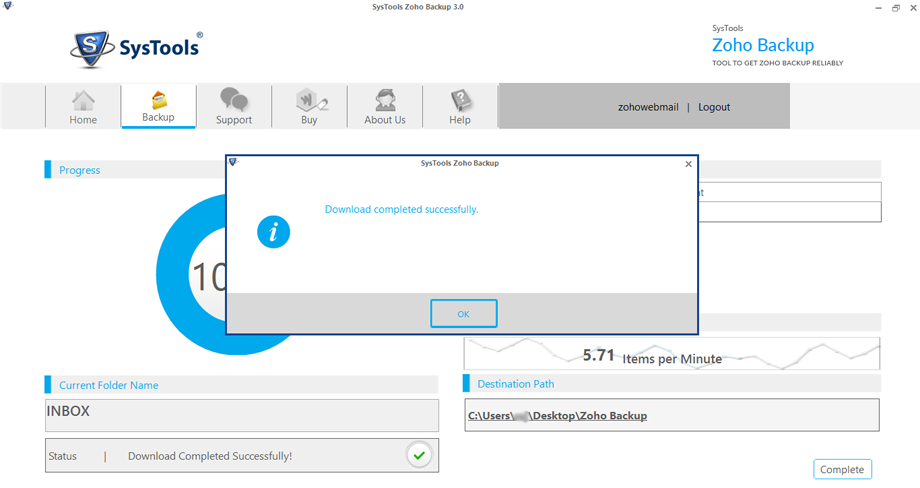
 Software will be displayed confirmation message "Download completed successfully". Click OK:
Download Zoho Backup Software
Click here to download free trial edition of Zoho backup software lets you download emails from Zoho Mail account